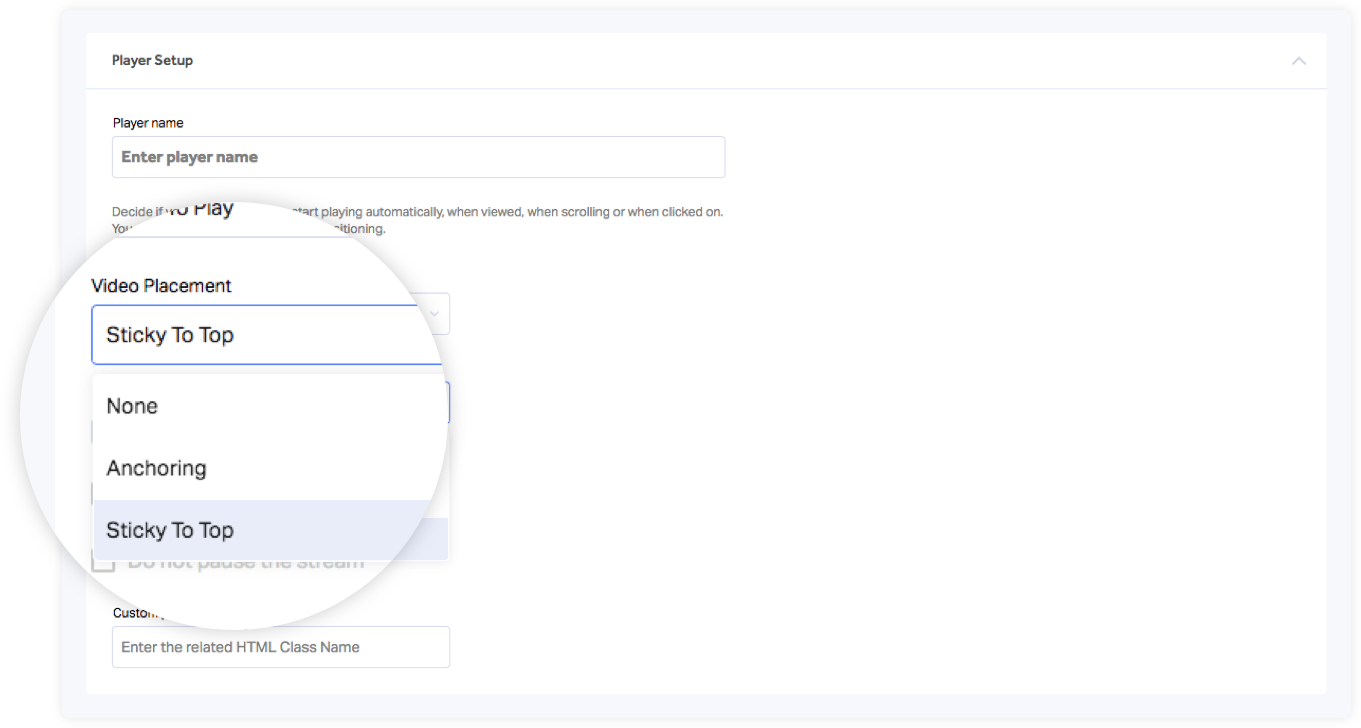
1. In the “Player” screen, go to “Player Setup.”
2. In the “Video Placement” dropdown, choose your desired configuration:
-Anchoring: The player will be anchored to the bottom right of the page and will follow the user while they scroll up/down.
-Sticky to top: The player will stick to the top of the page, and will always be displayed on the top while scrolling up/down.