Skip to main content
How to create a restriction
- Within the dropdown menu under the Minute OVP section on the left side of the page, you will find a button titled ‘Restrictions.’
- Make sure you are on the correct property you would like to create a restriction.
- On the upper-right side of the page, click the ‘Create New” button
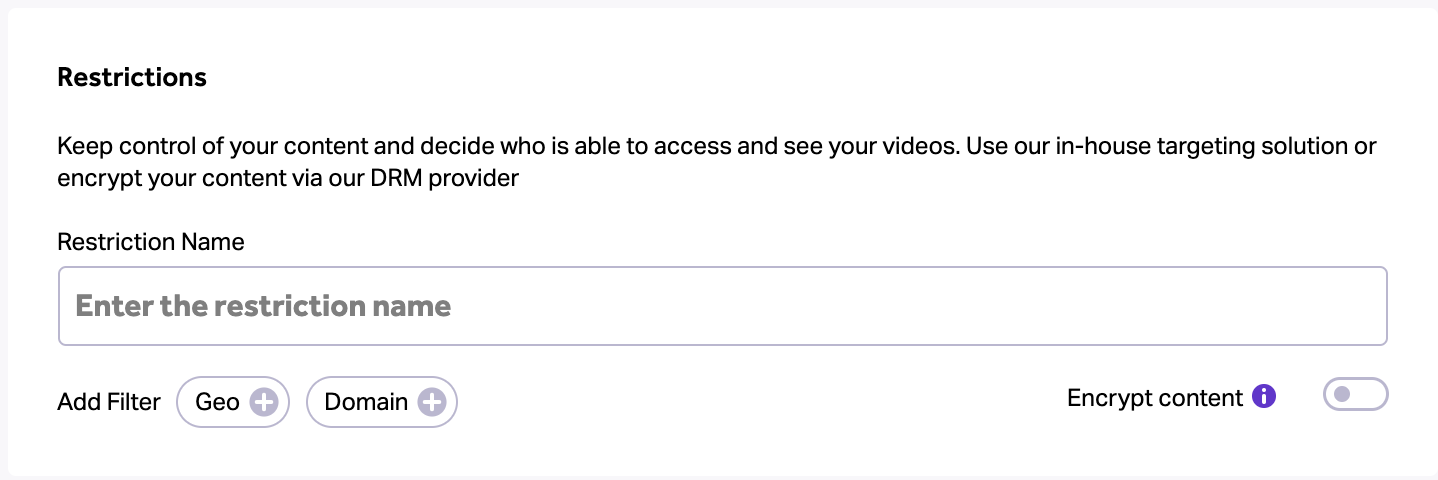
- Enter your restriction name, and decide which filter(s) you’d like to use.
Filter by Geolocation, Domain or specific dates.
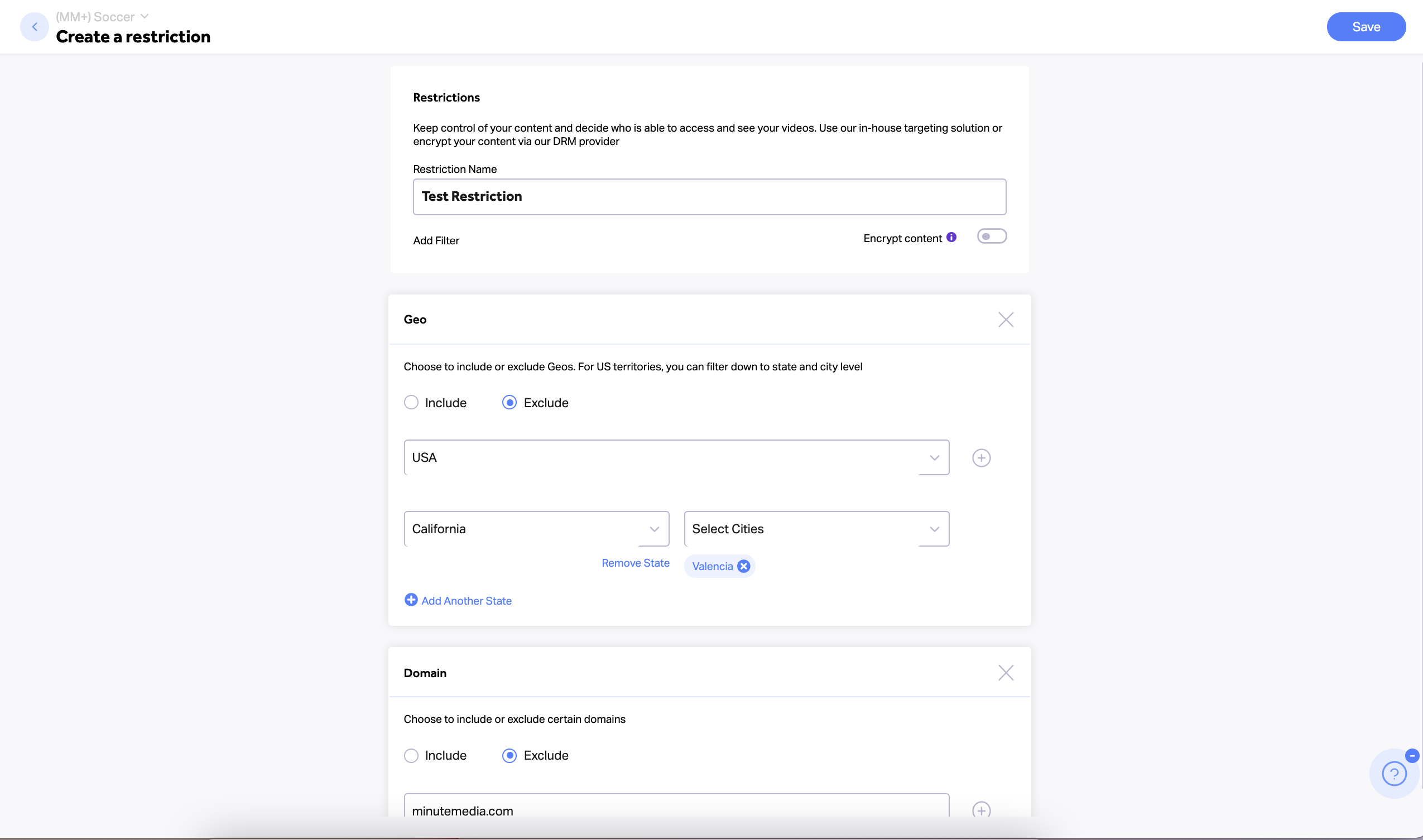
- If desired, toggle the ‘Encrypt content’ switch to ensure your content is fully protected
a. Select this option if you want to encrypt the content using our Data Rights Management (DRM) provider. Encrypting the content ensures the videos will only be shown on Minute Video Players. Note: This will come at an additional cost. - On the upper-right side of the page click the ‘Save’ button