Restrictions can only be archived, not deleted. If you wish to archive a restriction, click on the “Archive” icon on the restriction’s row.
When a restriction is “Archived”, videos that were previously assigned that restriction will continue to be protected by the same parameters. The restriction will continue to be applied to this content, even after it is “Archived”.
Any new content will not have the option of using this restriction, and a new one will have to be created.

To view your archived restrictions, select ‘Archived’ on the drop down.
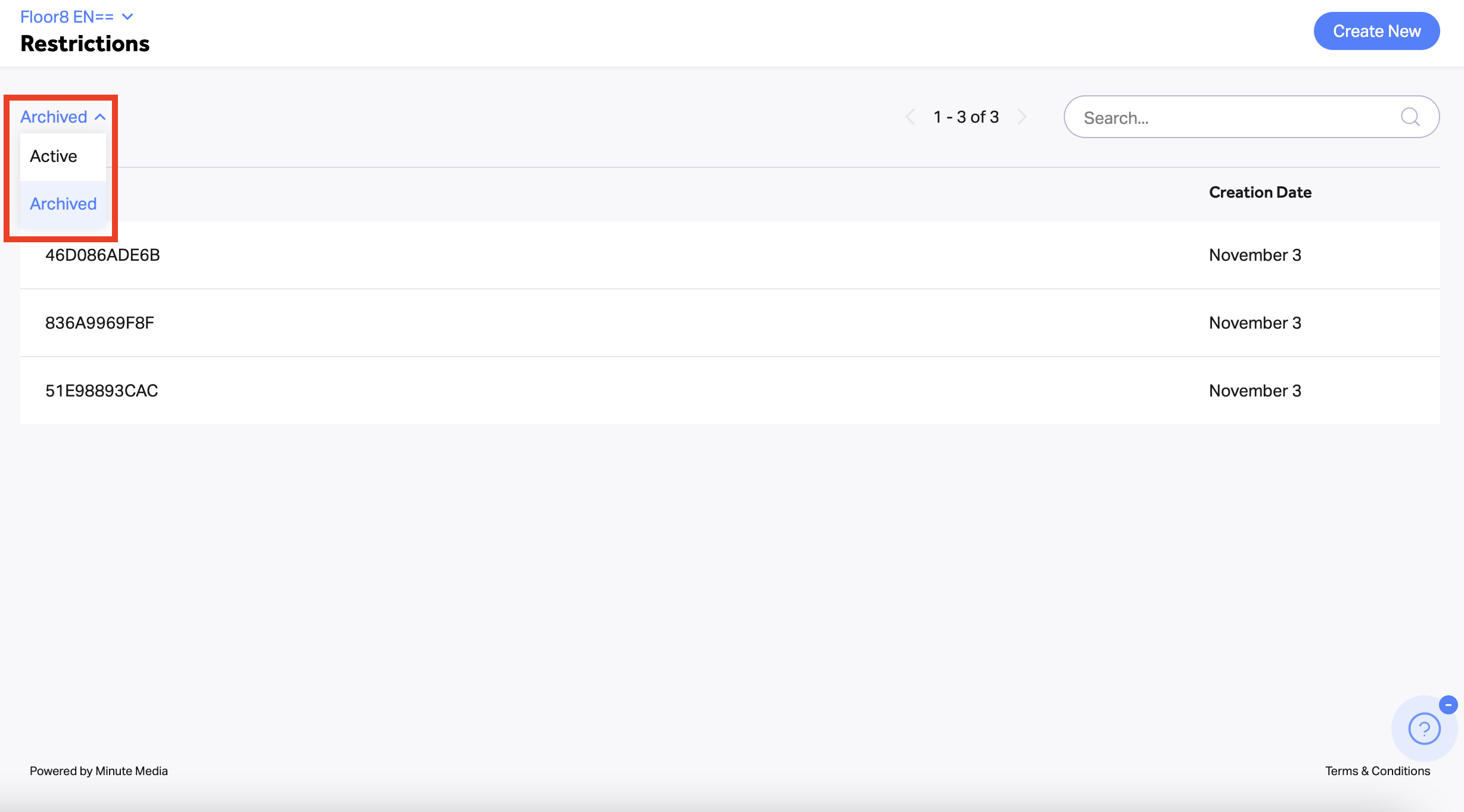
Note: Archive restrictions cannot be activated. To restore a restriction you can duplicate and save it. To do so, click on the “Duplicate” icon on the restrictions row.