1. Go to your “Imports” page.
2. Go to the “Authentications and Restrictions” expandable table.
3. Activate the “Authentication Only if Needed” toggle.
4. Enter your username and password.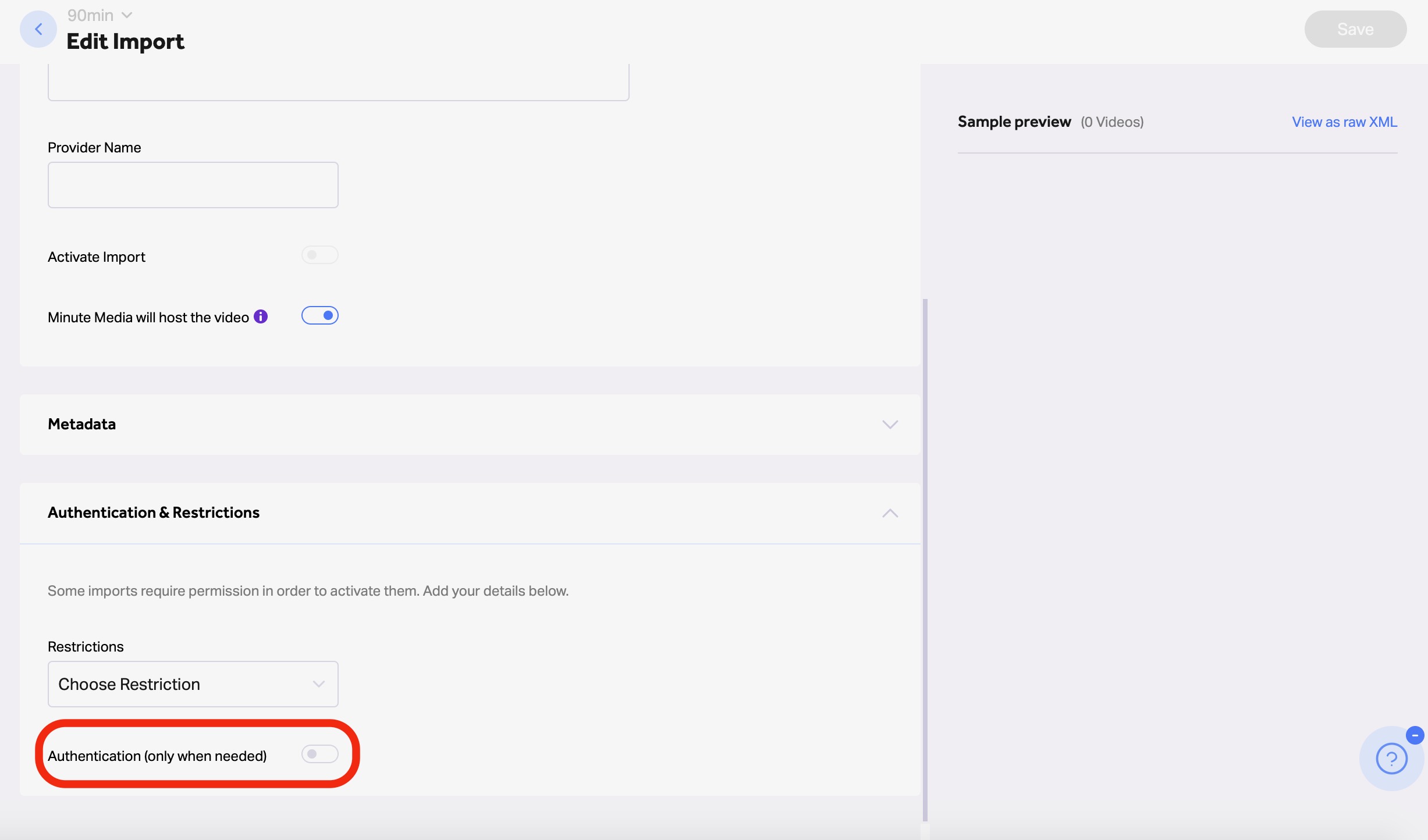
VMS Help Center
1. Go to your “Imports” page.
2. Go to the “Authentications and Restrictions” expandable table.
3. Activate the “Authentication Only if Needed” toggle.
4. Enter your username and password.