Follow these steps:
1. In your video editing screen, open the “Restrictions” expandable table.
2. Under the “Date Range,” you can define and customize a start and an end date.
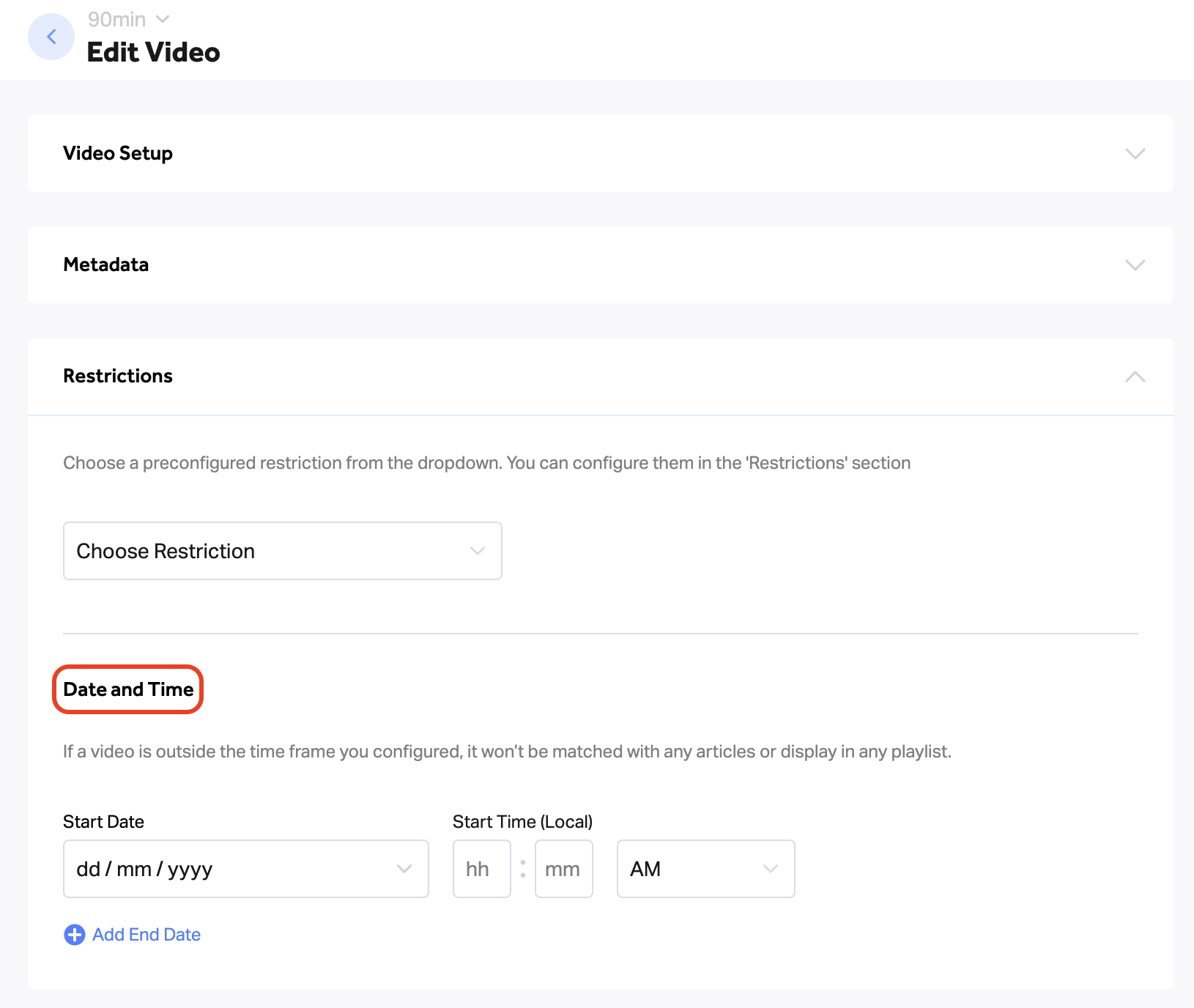
Follow these steps:
1. In your video editing screen, open the “Restrictions” expandable table.
2. Under the “Date Range,” you can define and customize a start and an end date.